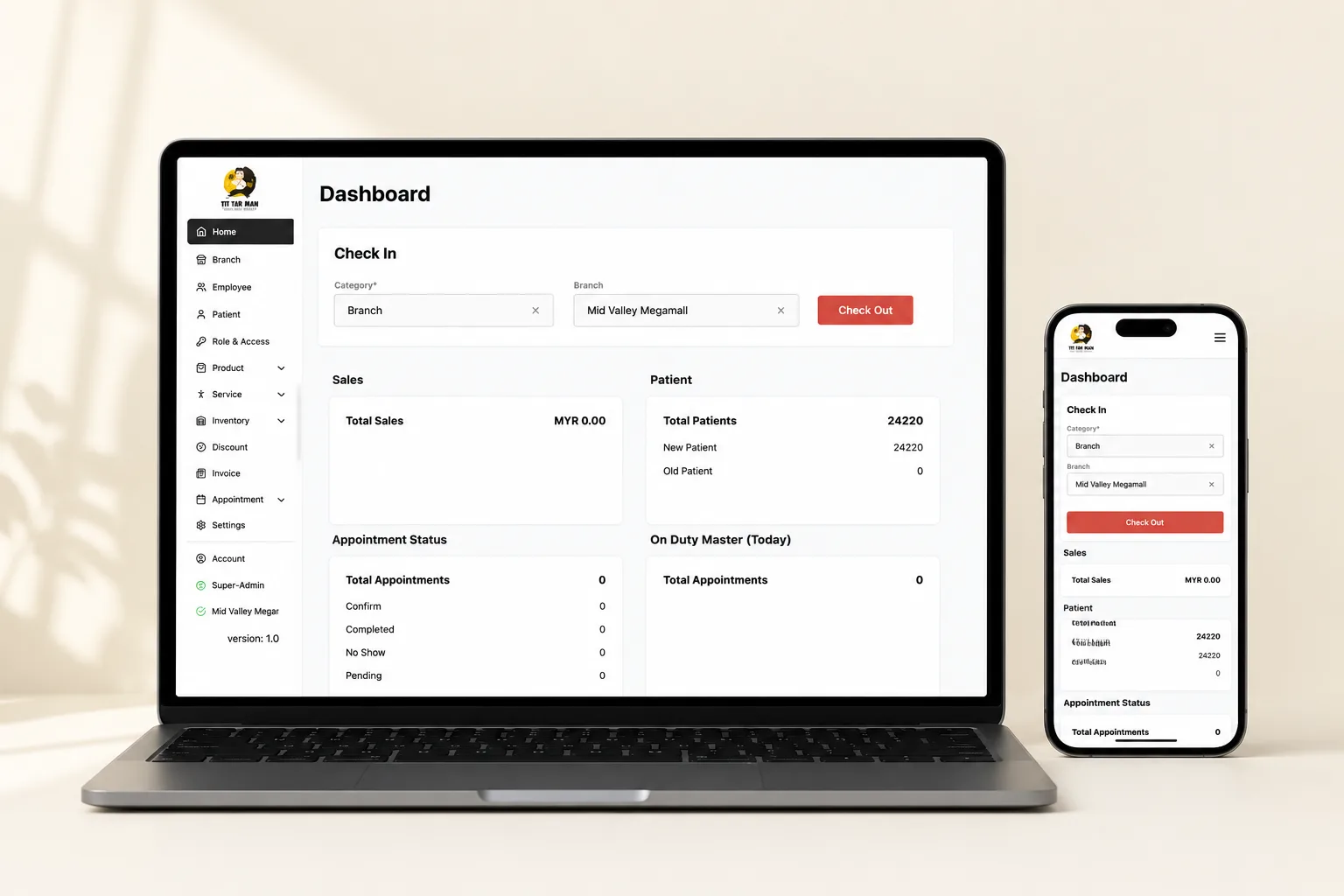
Clinic booking system in Malaysia: ready-made or custom?
For one outlet, a ready-made booking app is right. With branches, packages, treatment records and a POS, it strains. What to look for, and what PDPA asks.
Rosaan Ramasamy · · 3 min read
Five clear signs your Malaysian team has outgrown Excel and WhatsApp, when to stay on spreadsheets longer, and what replacing them with custom software actually costs.

In short
Stay on Excel as long as one or two people maintain the file and mistakes are cheap to catch. Replace spreadsheets with a custom internal system once several staff or branches edit the same records, orders and approvals live across WhatsApp plus Excel, formulas break silently, or someone spends hours every week reconciling totals for accounting. Start by replacing the single biggest bottleneck first (RM30,000 to RM80,000 as a Custom Project after separate paid scoping, or RM19,000/month on Managed Delivery) rather than rebuilding every spreadsheet at once.
Excel is the best business software ever written, up to a point. Nearly every growing Malaysian SME runs its early years on spreadsheets and WhatsApp because they are free, instant and endlessly flexible.
The mistake is treating spreadsheets as either shameful (replacing them too early with expensive software nobody wants to use) or permanent (letting a RM10 million operation hang on one fragile workbook named Orders_FINAL_v7.xlsx).
Do not spend RM30,000+ replacing a spreadsheet if:
In those cases, tidying up the sheet or adopting a ready-made subscription is faster and far better value. Our guide on custom software or an existing product walks through that choice in detail.
When a business grows past a few staff or adds a second branch, the hidden tax of spreadsheets shows up fast:
The worst way to leave Excel is a twelve-month “replace everything” project. By the time it launches, your process has moved on and staff resent the new screens.
Instead, replace one bottleneck at a time, and keep your accounting software for your accounts:
From our published pricing guide:
Compare that against the real cost of sticking with spreadsheets: two full-time admin staff spending half their week retyping and reconciling spreadsheets already costs RM60,000+ a year, every single year, before counting lost stock, missed billings or customer churn.
See how we build custom software in Malaysia around how your staff actually work, and how we connect it reliably to your existing tools through system integration.
Ready to move off spreadsheets? Start on Managed Delivery at RM19,000 a month with full technical ownership, month to month with our 7-Day Confidence Refund. Or lock one defined scope through a separate paid Scoping & Blueprint phase (from RM5,000) that your company owns, and build it as a Custom Project from RM30,000.
Founder and Managing Director, Antdragon
Rosaan started Antdragon in 2020 after over a decade building commercial software, giving Malaysian SMEs senior engineering leadership and full ownership of their code and accounts.
Filed under Planning new software
For one outlet, a ready-made booking app is right. With branches, packages, treatment records and a POS, it strains. What to look for, and what PDPA asks.
Rosaan Ramasamy · · 3 min read
When a ready-made loyalty platform is enough, what sits behind the member’s screen, why the POS and ERP links are the hard part, and what it costs.
Rosaan Ramasamy · · 4 min read

Seven steps before you sign: check you need custom software, set a budget, write a brief, check the company, compare quotes and keep the code yours.
Rosaan Ramasamy · · 8 min read