

How to plan an integration between business systems
A worksheet for the records, owners, access, errors, reconciliation and real-world tests behind a business system integration.
Rosaan Ramasamy · · 2 min read
Before your system sends invoices to Xero or QuickBooks: who owns each record, the API limits, 2026 developer pricing, and when a ready-made app will do.

In short
Decide which system owns each record first: usually your system creates invoices and customers, and the accounting system owns account codes, tax rates and payments. Then the connection has to handle the login approval, mapping to account codes and tax rates, the API limits, failed syncs and a monthly check that totals match. If a ready-made connector covers your case, use it. Build one when your system or rules are your own.
Sooner or later, most business systems need a Xero or QuickBooks integration. Invoices raised in your system should appear in Xero or QuickBooks without anyone retyping them. Payments recorded in the books should show as paid in your system.
Both Xero and QuickBooks have APIs built for this. The connection itself is rarely the hard part. The decisions around it are, and getting them wrong means duplicate customers, invoices that never arrive and month-end totals that don’t match.
Go through each kind of record and agree which system creates it and which one copies it:
When both systems can create the same record, duplicates follow. Agree it with your accountant before anything is built, because they will live with the result.
Our integration worksheet goes through these decisions one record at a time.
Both companies changed how they charge developers.
Your Xero or QuickBooks subscription itself is separate, and so is the hosting for your own system.
If you are connecting a well-known product, such as an online store or a payments service, look in the Xero and QuickBooks app marketplaces first. A ready-made connector costs a monthly fee and someone else keeps it working.
Build your own when the system on the other side is your own, or when your rules are: how you group invoices, which branch an invoice belongs to, or what has to be checked before anything reaches the books.
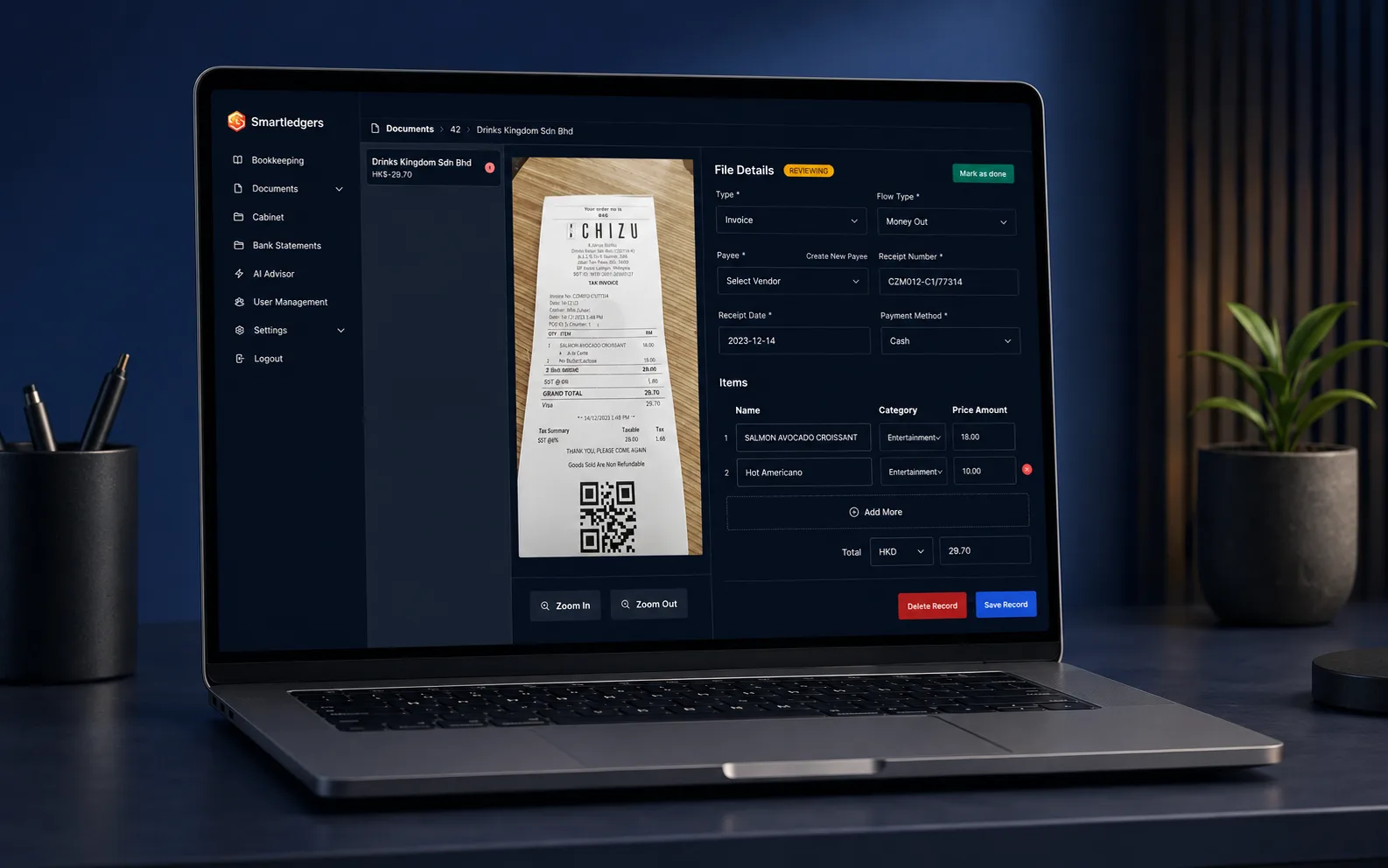
Smartledgers turns receipts and invoices into bookkeeping records. Our system reads each document, picks out the fields and line items, and shows them to a reviewer beside the scan. Only after a person approves them do the records go to the client’s books in QuickBooks or Xero.
That check before the sync is worth copying. It is much easier to stop a wrong record than to reverse one that has already reached the accounts.
Yes. Invoices can go to the accounts and payments can come back. Just make sure each record has one owner, as in the list above.
The mapping breaks for anything new that uses them, and syncs start failing. Make changing the mapping part of the month-end routine, or of whoever maintains the system.
Often, yes. If one integration keeps breaking, that is a clear problem to point at, which is what a fixed-price Fix Sprint is for.
An integration is rarely finished once it works. Account codes change, the business adds branches, and the platforms change their terms: Xero changed its developer pricing in March 2026, and Intuit in July 2025. That is why we usually build it on Managed Delivery, from RM13,000 a month: the integration is one priority, and it stays looked after once it is live.
Invoices then reach the books the day they are raised, and month-end becomes a check rather than a hunt.
If an integration you already have keeps failing, that is a Fix Sprint, for RM3,000 to RM10,000. When the scope is written and fixed, a new one can be a Custom Project, from RM30,000.
Company guides are published by software companies about their own market, not independent surveys. Treat their figures as a rough guide.
Company guide
Xero Developer Pricing and Policies (opens in a new tab)Xero, 2026. Checked 7 November 2026.
Company guide
Intuit Launches New App Partner Program to Drive Growth for Third-Party Developers and Enhance Customer Experiences (opens in a new tab)Intuit, 2025. Checked 7 November 2026.
Founder and Managing Director, Antdragon
Rosaan started Antdragon in 2020 to be the team that stays accountable once software goes live, and works with business owners on the systems they rely on every day.
Filed under Connecting systems
A worksheet for the records, owners, access, errors, reconciliation and real-world tests behind a business system integration.
Rosaan Ramasamy · · 2 min read

A full-time CTO in Malaysia costs RM452,000 to RM525,000 a year. What the job involves, and when a part-time adviser or a delivery team is enough.
Rosaan Ramasamy · · 4 min read

What each costs, from RM300 a day for a freelancer to 13% EPF on a salary, what you’d manage yourself, and where each one usually goes wrong.
Rosaan Ramasamy · · 4 min read